Cuber
A Rubik's Cube solver for Windows that teaches as it solves. Paint your cube, press Solve, and follow the moves while the cube on screen turns with you.
Runs on Windows
Open source under the MIT licence. Fork it, build it, change it.
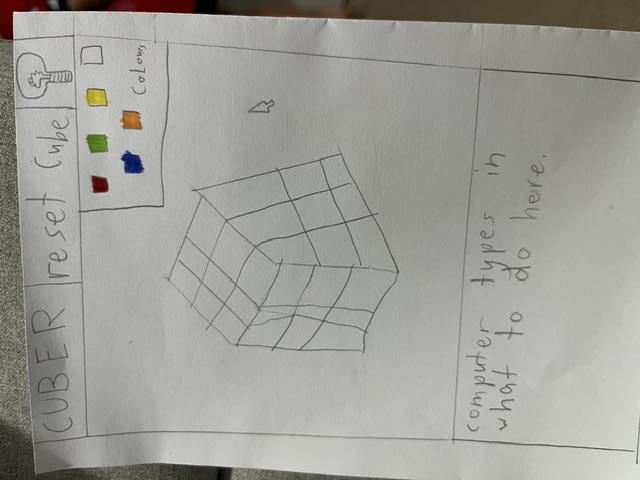
My son drew the screen for this one on a sheet of paper: a cube, a row of colours, and a box where "the computer types in what to do". Cuber is that drawing, built. His sketch is the second picture below, and the brief I gave the AI from it is Cuber-brief.txt.
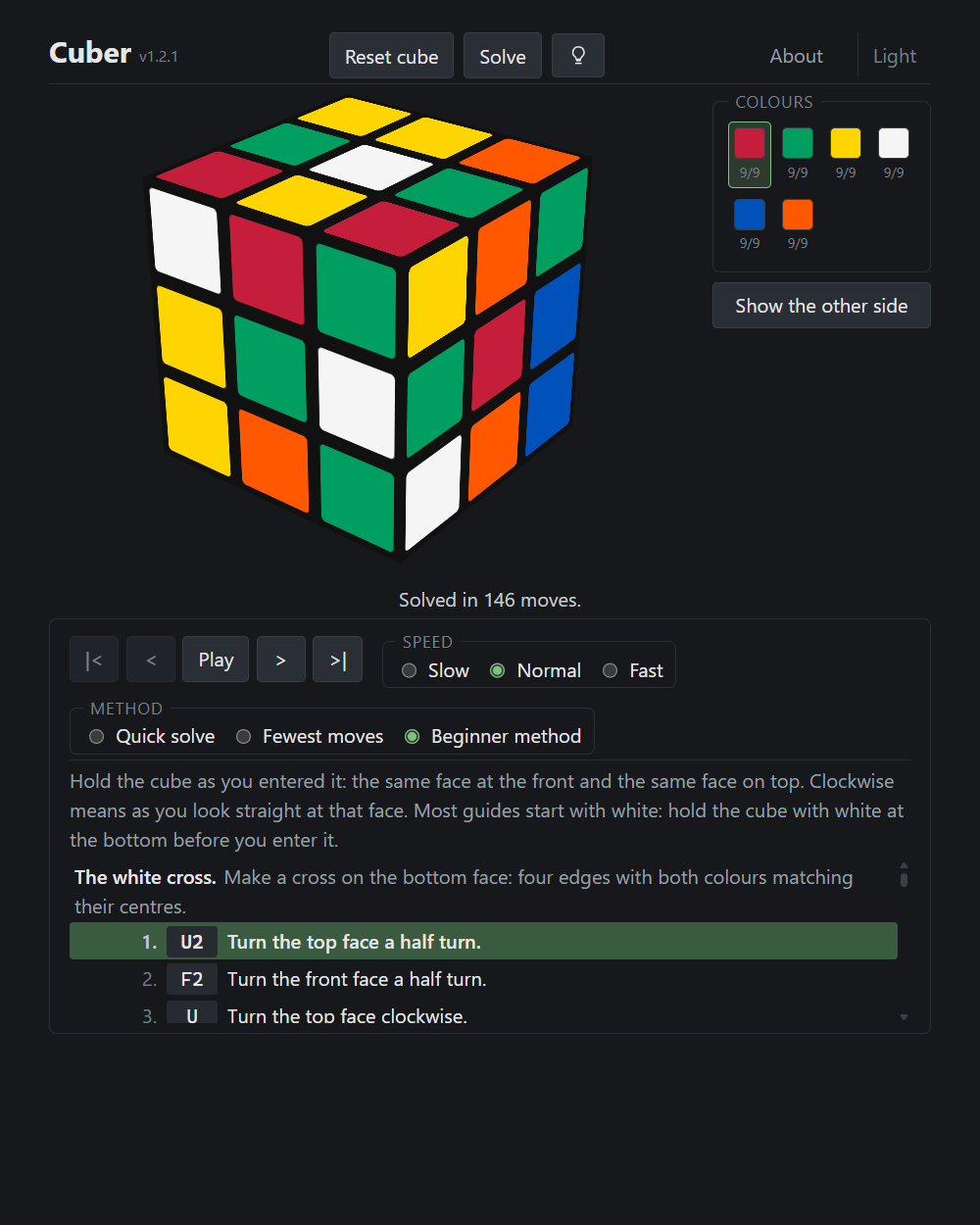
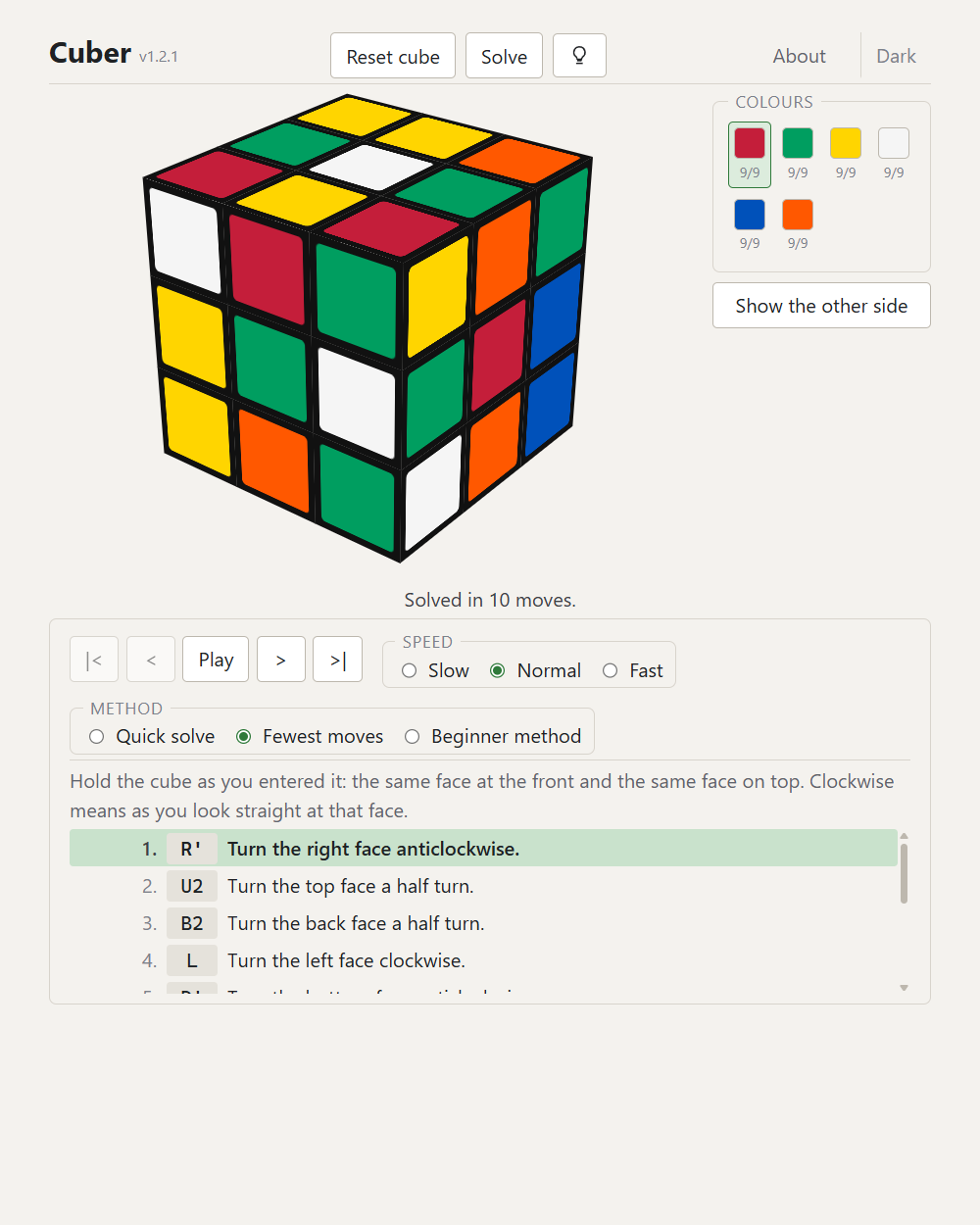
You hold your scrambled cube, paint its colours on to the cube on the screen by clicking (or by a right-click menu, or a long press on a touch screen), then turn the screen cube round to do the other three faces. The colours are checked as you go, so a sticker that cannot be where you put it is explained rather than attempted.
Press Solve and the moves appear in the box, each as the standard letter and a plain sentence: "R' - Turn the right face anticlockwise." Step through them, or press Play, and the cube on the screen turns with each move so you can follow along on the real one. Hint gives you one move at a time instead.
There are three ways to solve, chosen in the box and remembered. Quick solve finds about twenty moves. Fewest moves looks for the shortest answer the same solver can find, so a cube you scrambled with three turns comes back as those three turns undone. The beginner method is the layer-by-layer method every guide teaches, about 170 moves in seven named stages, each stage explained and each well-known sequence named as it is used, so you learn the method rather than just following it.
The installer is signed with a code signing certificate, so Windows names the publisher as Open Source Developer Nicholas Walker. Windows SmartScreen may still warn about a new release for a while, until it builds up a reputation.